Portrait or landscape
Let the view rotate, or lock it to suit your setup. Three face sizes keep time readable.
 Quiet Flip Clock
An offline flip clock for Android. Clear digits, considered details, and a place on your desk.
Google Play · Coming soon…Android 7.0+ · No account · No ads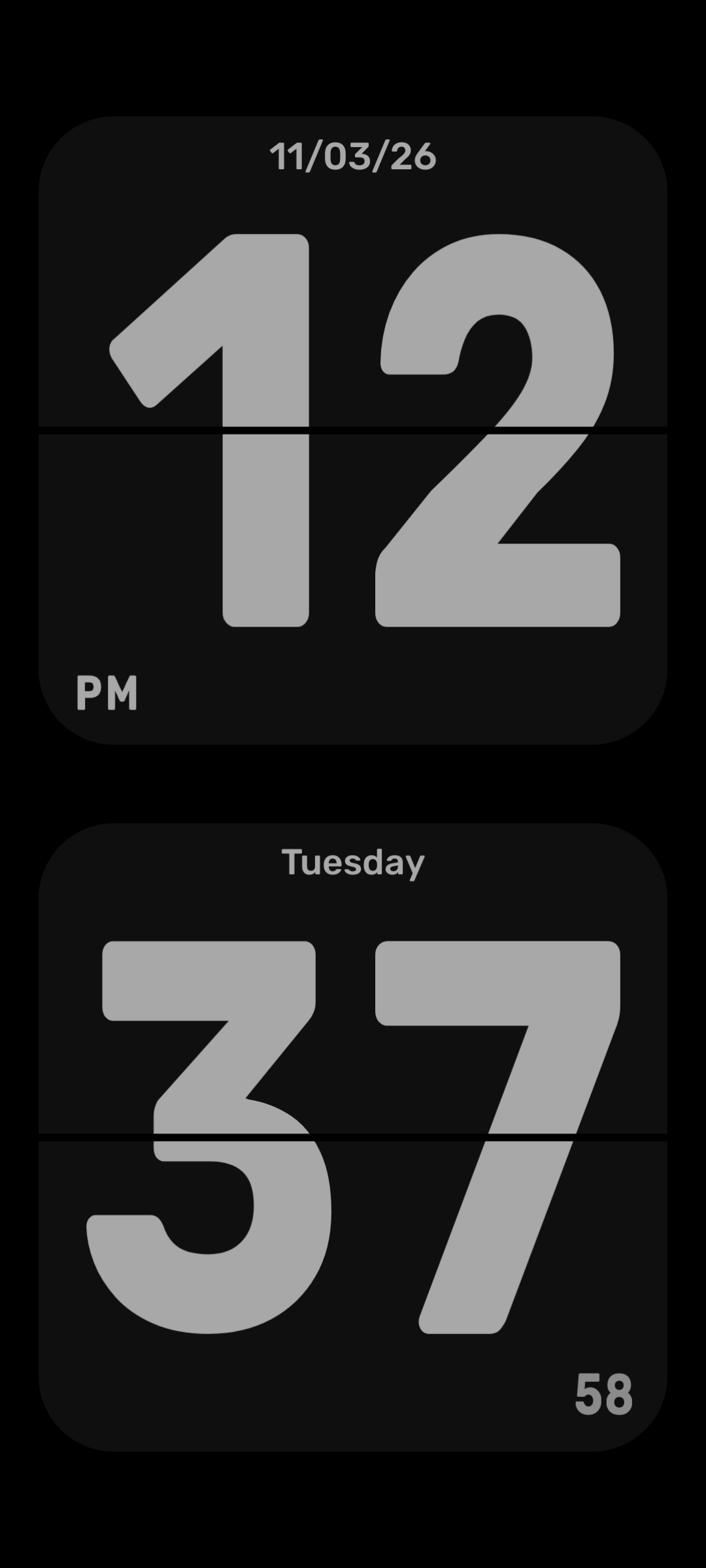
From deep Obsidian to soft Cream. Six themes, with colors you can make your own.
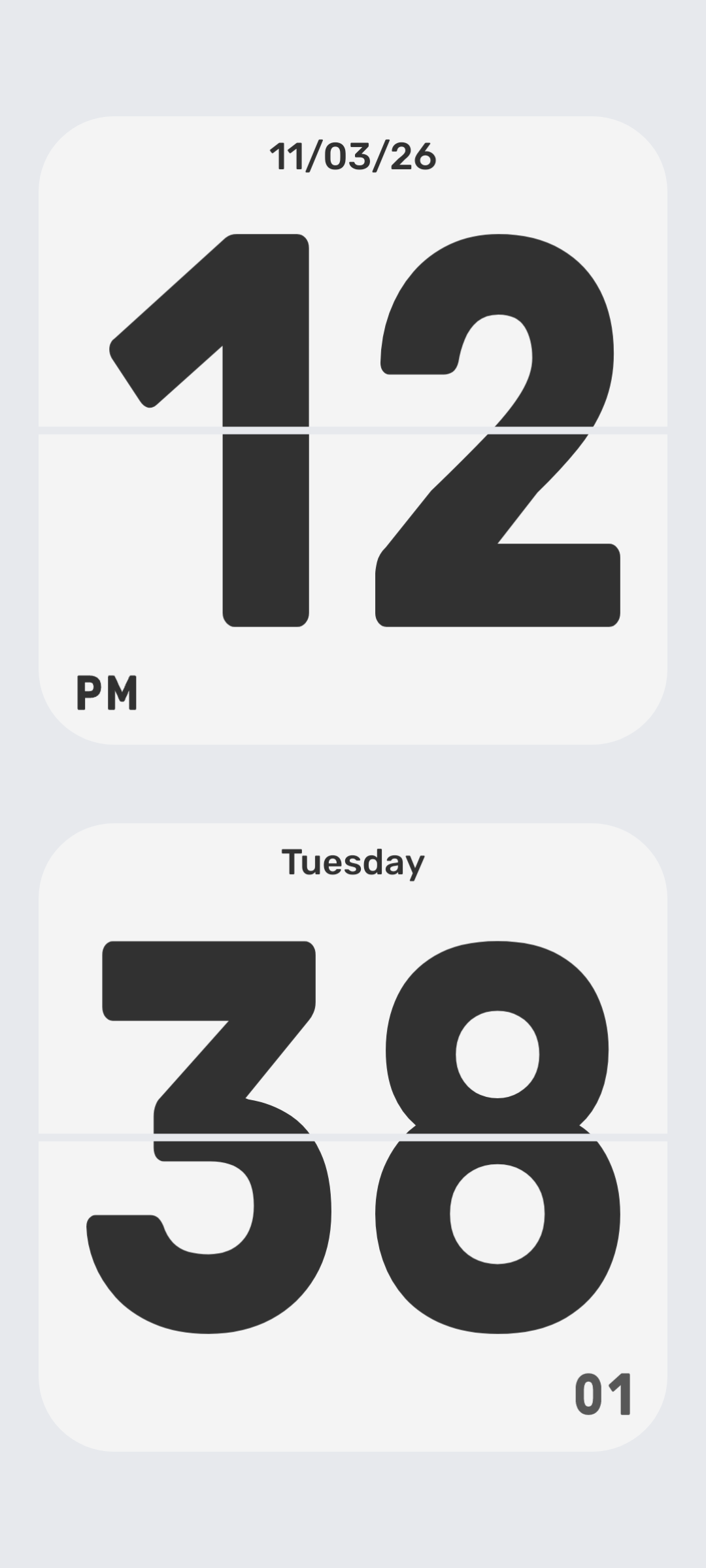
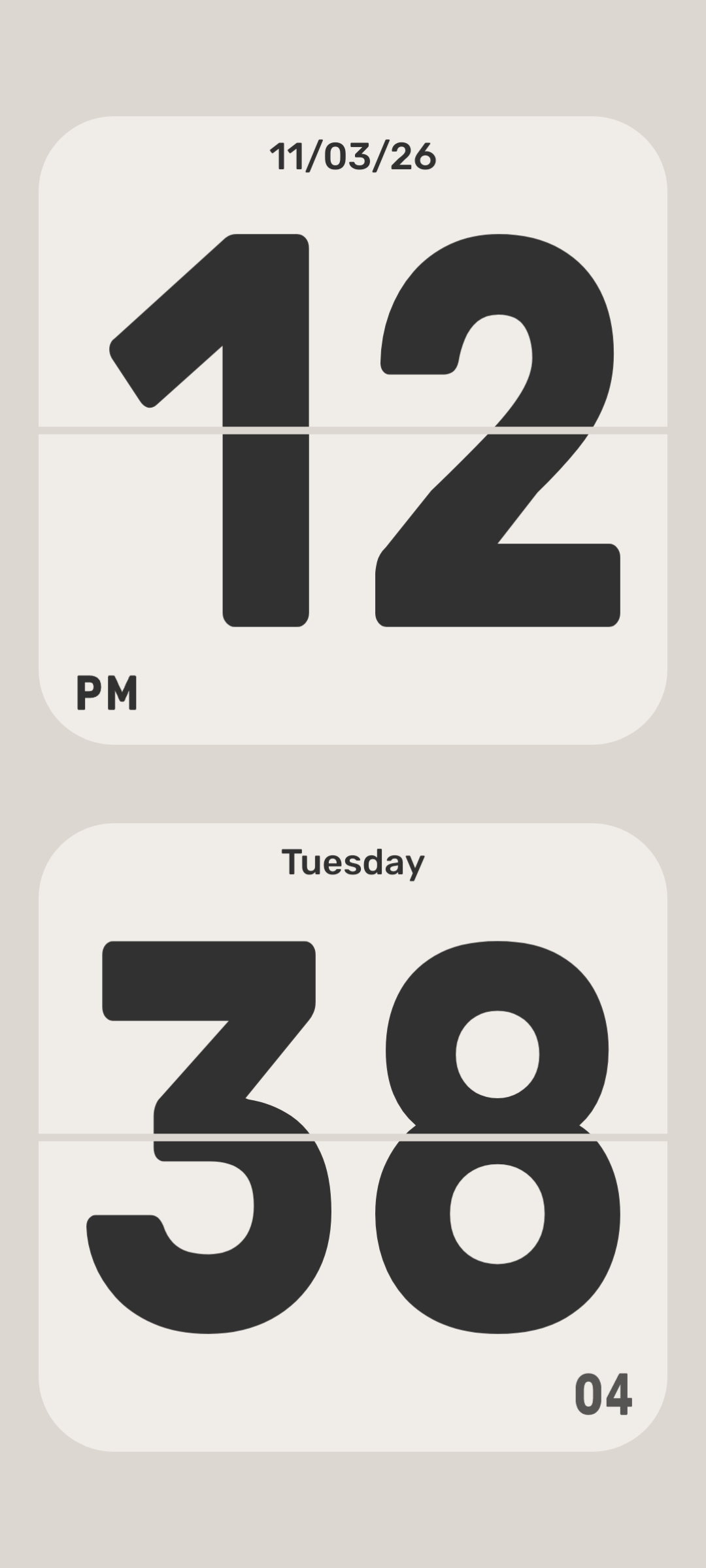
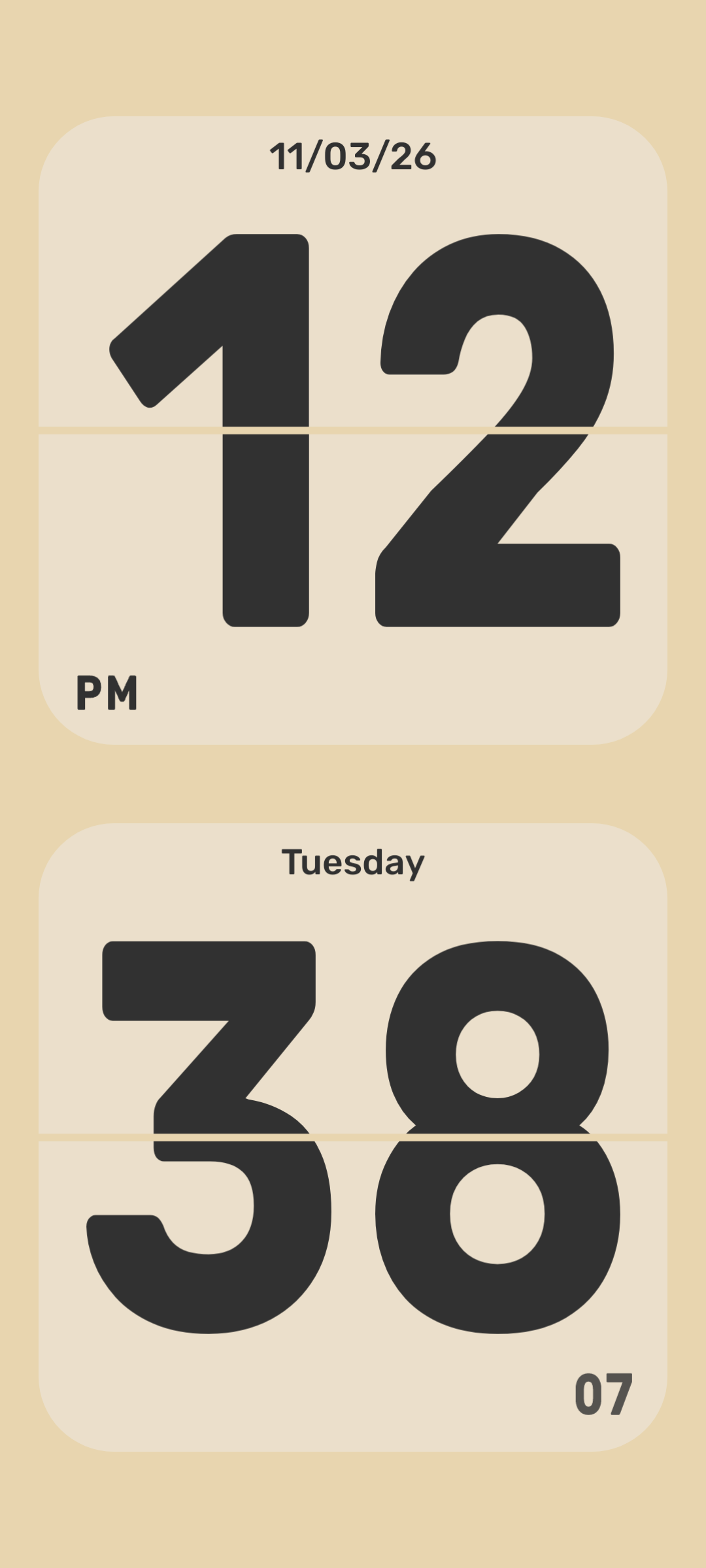
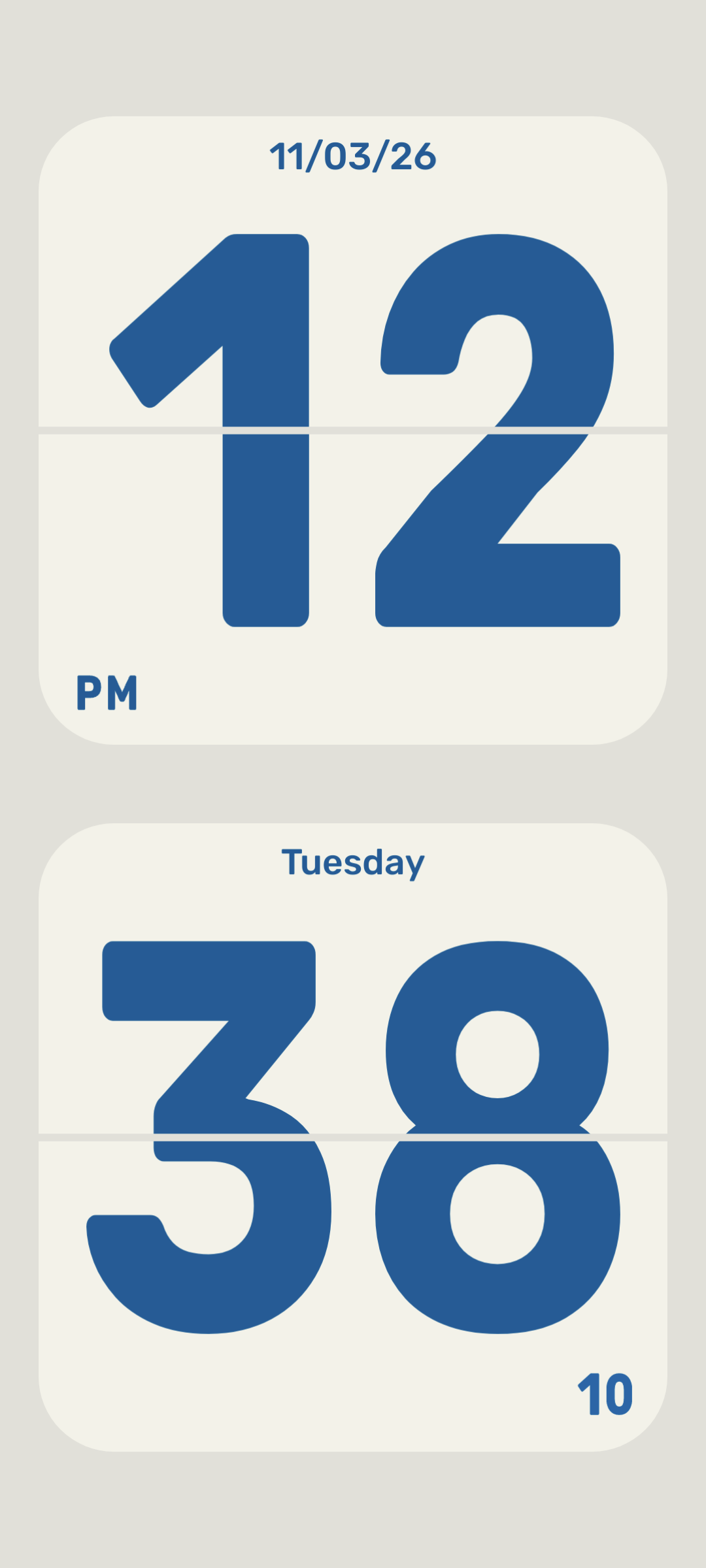
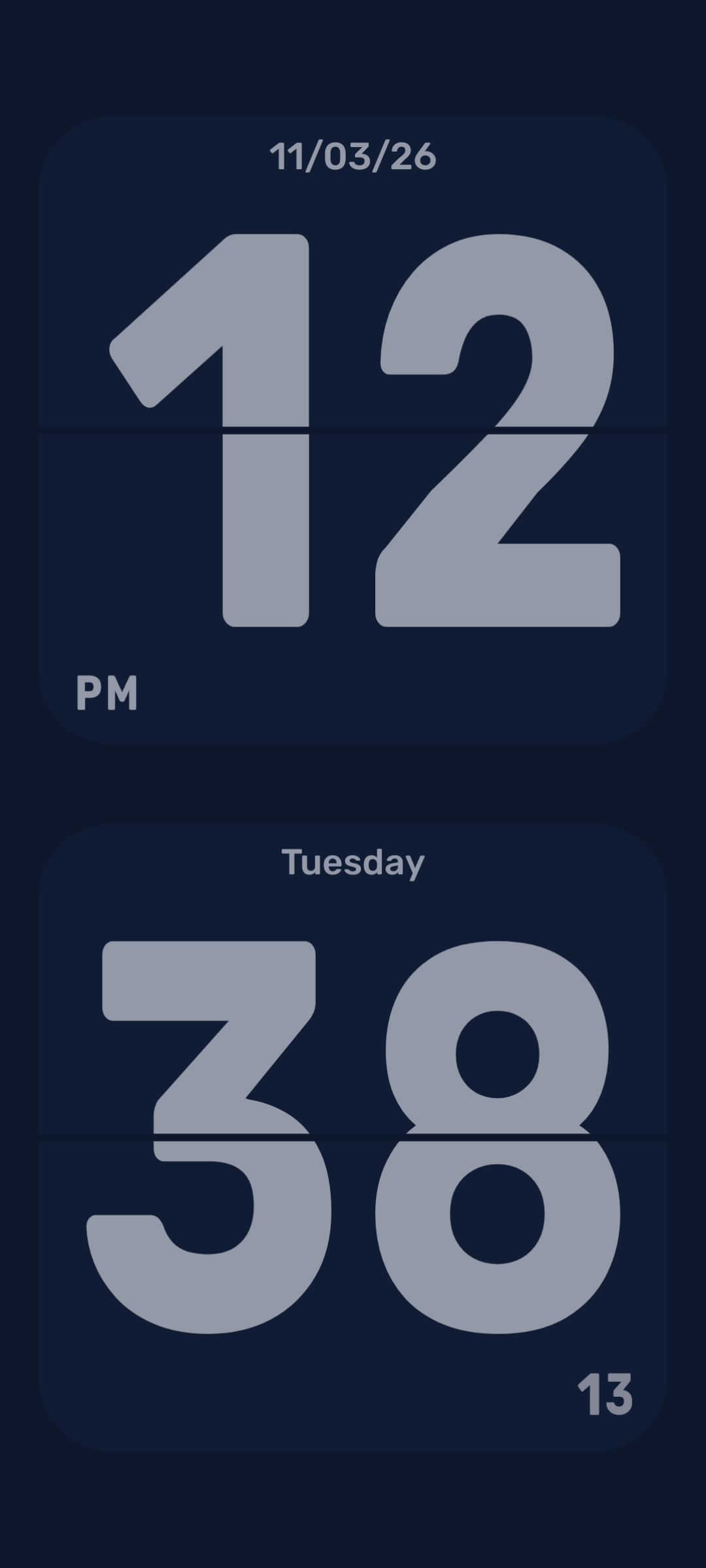
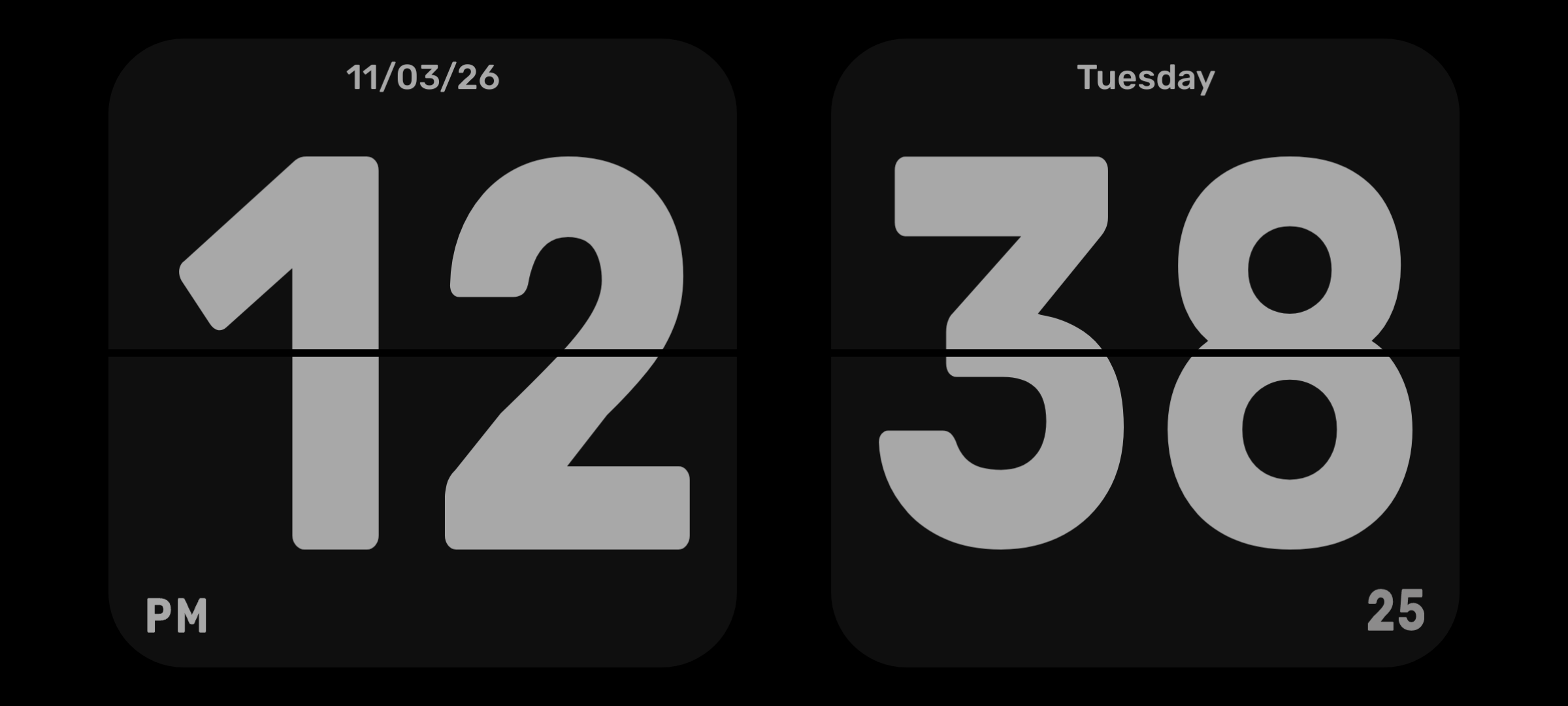
Horizontal or vertical home-screen widgets. Each keeps its own colors and display settings.
Widgets show live system digits in a flip-card design. Full flip animation runs in the app and screen saver.
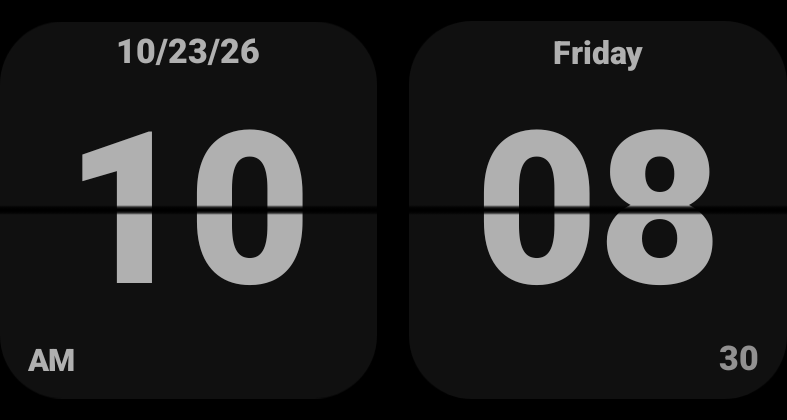
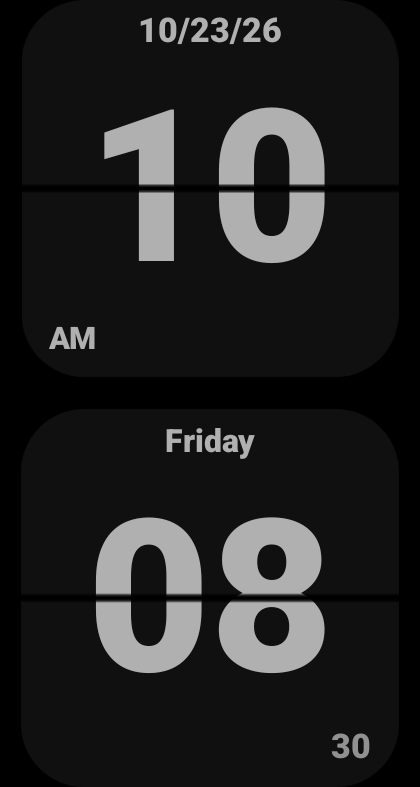
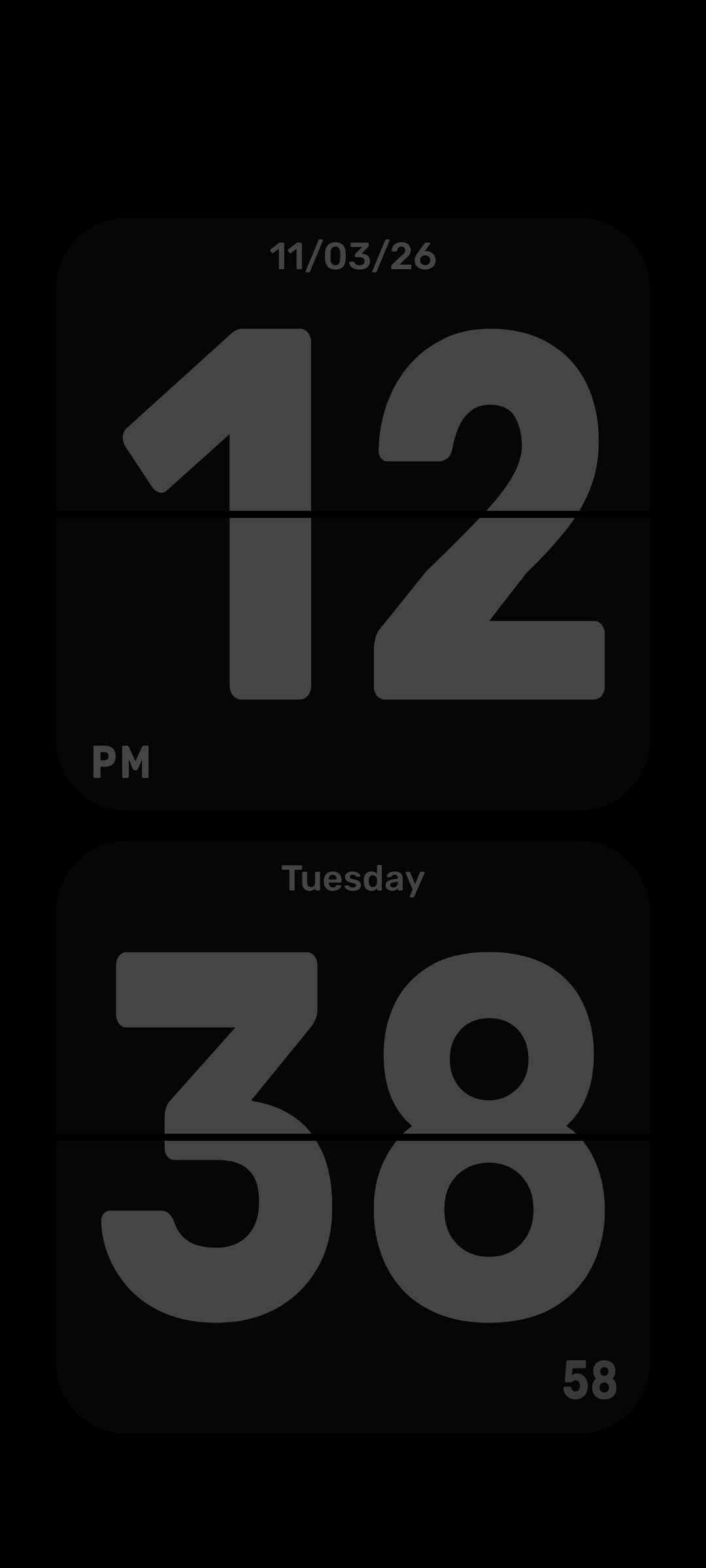
A dim, silent system screen saver for a quieter bedside. Select and enable it in Android settings.
Screen saver availability and charging triggers depend on your device. Image shows the actual low-light preview.
Let the view rotate, or lock it to suit your setup. Three face sizes keep time readable.
Choose 12/24 hours, seconds, date, weekday and battery. Keep the face as simple as you like.
Follow system brightness or adjust the app window. Tick sounds are optional, and off by default.
The Android app runs offline, with no accounts, advertising or analytics SDKs. Themes and preferences stay on your device.
Yes. The Android app reads your device time and uses bundled resources. Visiting this website uses an Internet connection.
Widgets keep the flip-card design and show live system digits. Full flip animations are available in the app and screen saver.
It depends on the device system. Where supported, choose Quiet Flip Clock in Android screen saver settings and enable it.
It is currently preparing for its public Google Play release. This website will link to the public listing when available.
Questions about the app or privacy? Contact Nick using the support address below.
wanglijian1214@gmail.com